Audio and video control
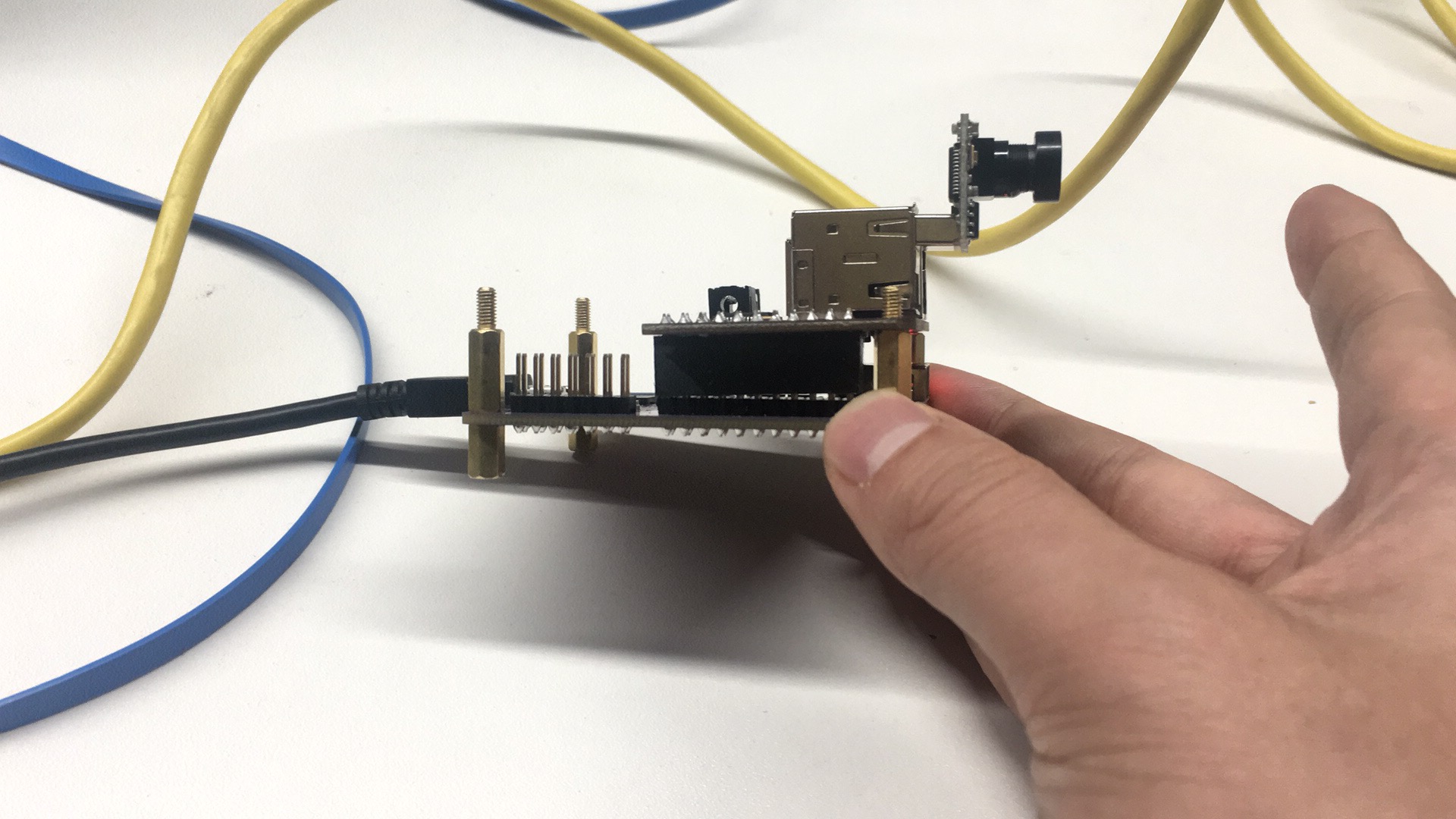
There are two ways to control audio and video. The two control methods can not be carried out at the same time. CrazyPi development board first inserts a multimedia extension module, then insert a camera at the USB interface.
Way1: Audio and video control by using cloud
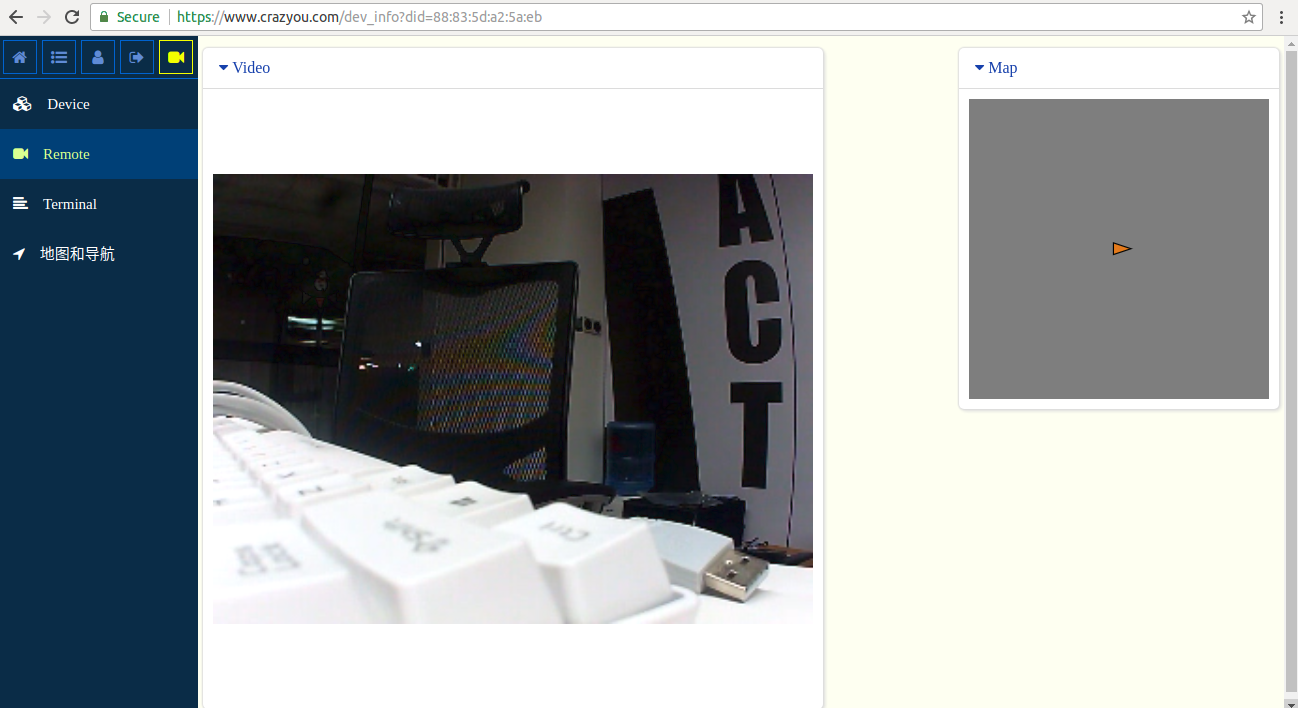
Log on to the official website https://www.crazyou.com/
Find your own CrazyPi in the console device list, then carry out remote control. Select the "Remote" function, implement remote real-time audio and video direct seeding and control in the cloud. User can freely switch the clarity of the video, and the control mode and how control can be defined by the user.
Way2: Audio and video control by using APP
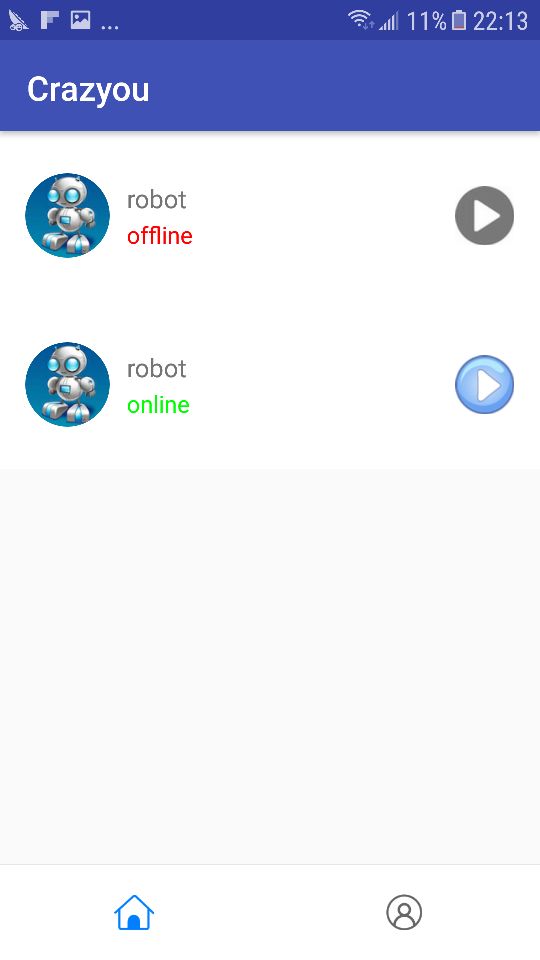
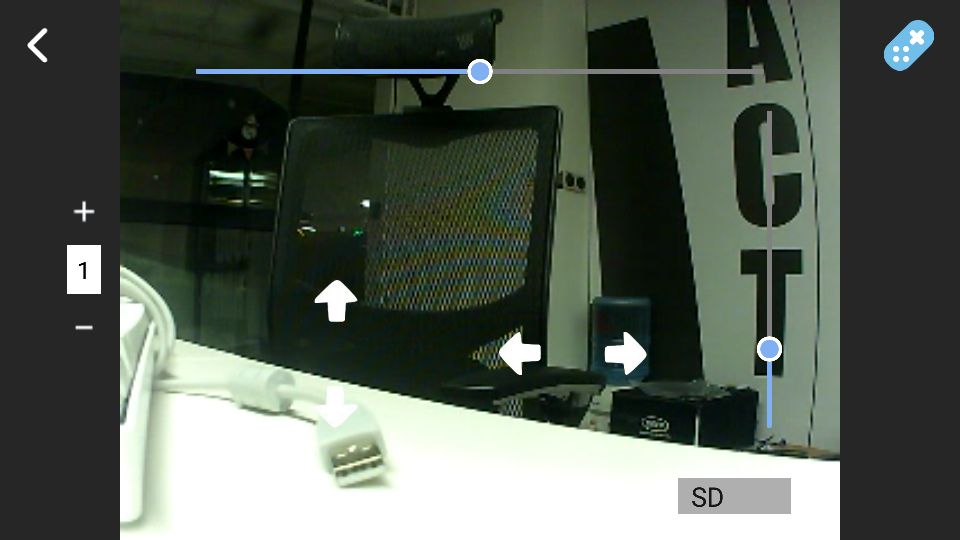
Mobile download and install CrazyPi special APP(Crazyou), then user registers and logs in, and user can use APP for remote control of CrazyPi. The mode of control is similar to the cloud, directly click on the connection device. It is more convenient to operate, and convenient outdoor application scene use. Speed gear selection with robot walking can be seen at the APP control interface, 4 degree of freedom direction control, 2 degree of freedom control bar for two degree cloud platform. User can control the remote CrazyPi robot anytime and anywhere through these interactive buttons.
Return to the main page of APP and click the play icon, you can see the video