CrazyPi control LADIR for map drawing
Preparation in advance
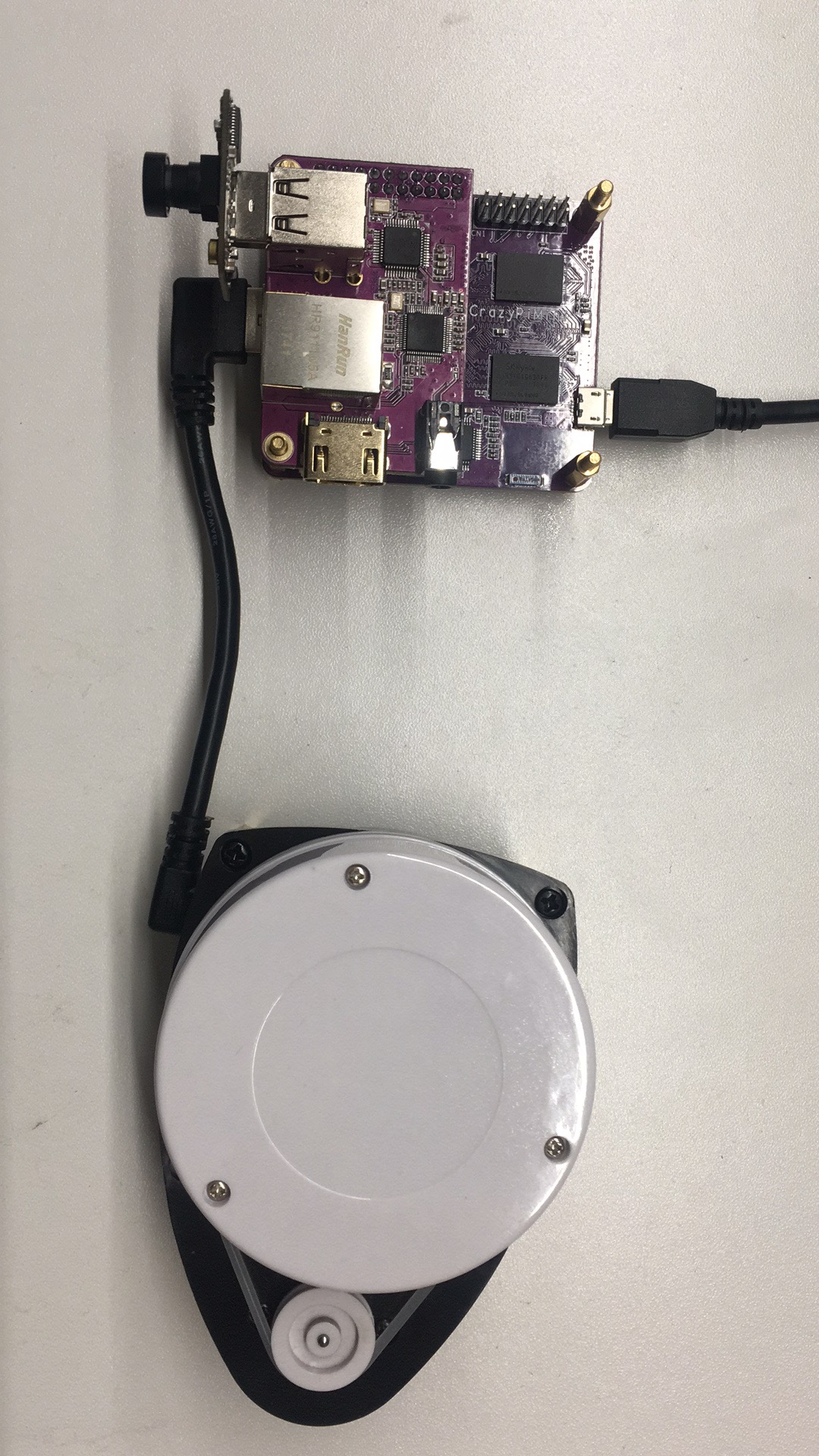
- CrazyPi mainboard first inserts a mediaboard
- Mediaboard inserts a camera
- Connect mediaboard and LADIR with a USB line
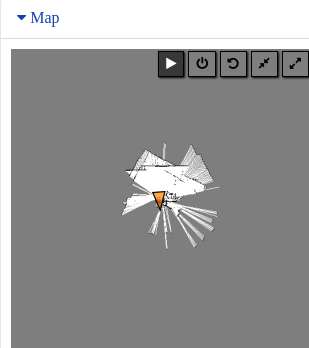
Let the equipment connect to the power supply, Premise is mobile download and install CrazyPi special APP(Crazyou), then user registers and logs in. Find your own CrazyPi in the console device list, then select the "Remote" function. You can control CrazyPi to map the map. It will be displayed on the map interface.
 Slide the mouse to the map interface, with five buttons on it. The mouse stays on the button, and the function notes of each button are displayed. From left to right, it is "start map building", "close the map sensor", "reset map", "shrink map", "enlarge map".
Then the user can enjoy the function of drawing the map happily.